
Focused. Restricted. Reliable.
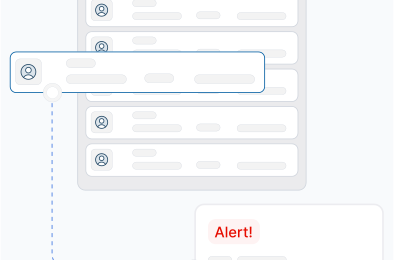
No Distractions Allowed
ExamLock Lite automatically restricts opening of additional tabs during assessments, ensuring candidates stay focused on the test.
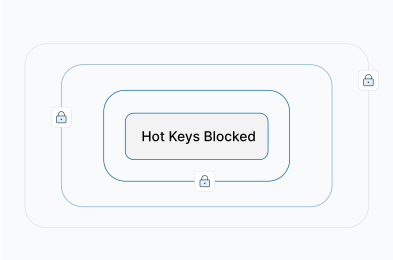
No Cheating Shortcuts
Key combinations like copy, paste, print screen, and other shortcuts are smartly detected and blocked in real-time.
Full-Screen Mode Only
Once the test starts, the browser switches to non-resizable full-screen mode, users cannot minimize, switch windows, or multitask.
Scale with Security.
ExamLock Lite is audited and certified by industry-leading third party standards.

GDPR

COPPA

FERPA

ISO 9001:2015

ISO 27001:2022

ISO 27701:2019

PCI DSS

SOC 2 II
Intelligent Monitoring, Subtle Surveillance
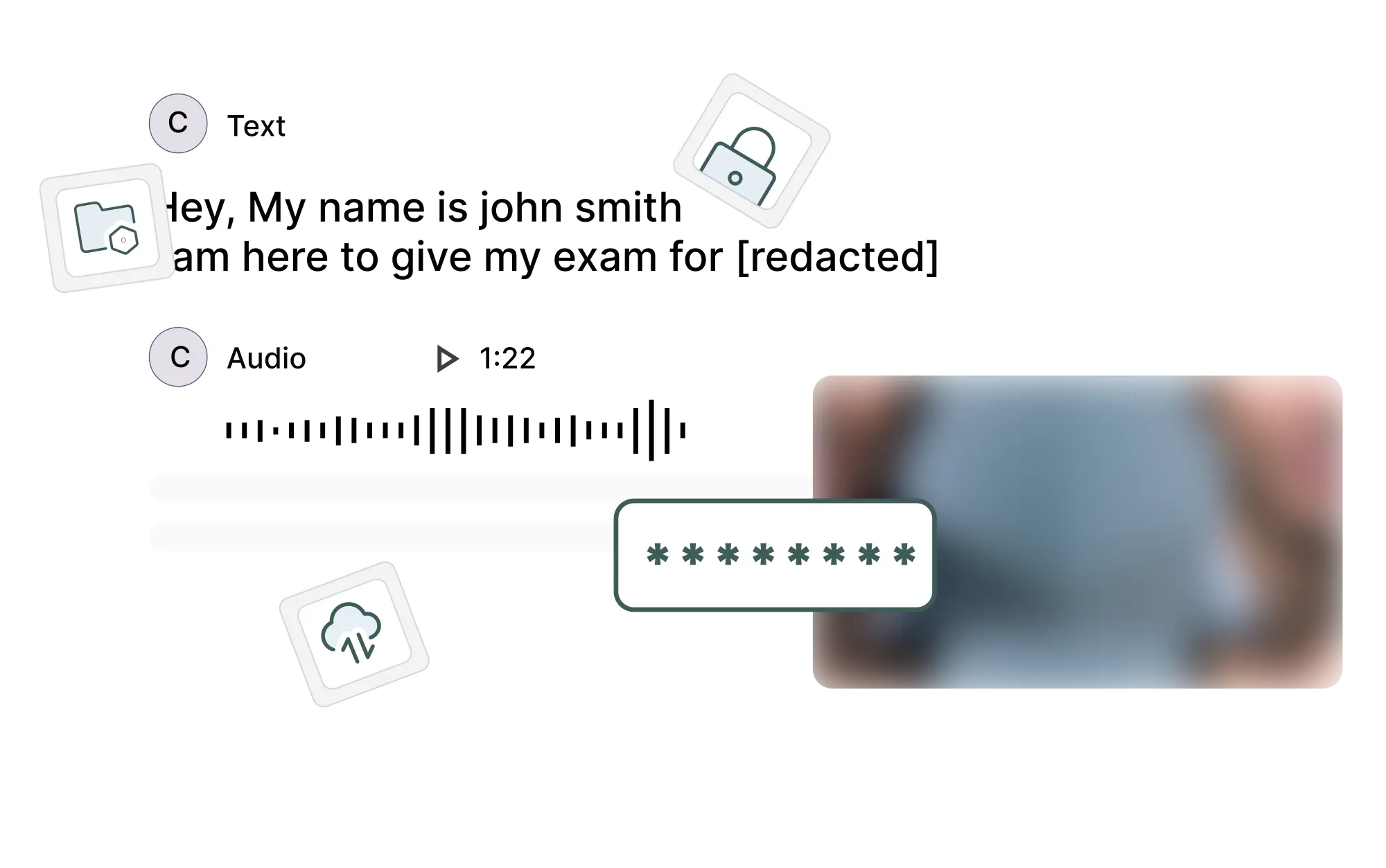
Randomized Screenshots & Pictures
ExamLock Lite captures screenshots & pictures of candidates at random intervals, providing an extra layer of evidence and visibility during the test.
Mouse and Activity Tracking
Keep track of every move. The extension logs mouse movements and overall user activity, flagging suspicious behavior automatically.
Allow Only What's Needed
Grant access only to authorized URLs. Everything else? Locked out.
AI Extension Detection
Scans for AI-enabled extensions and ensures they are disabled before candidates start their exam.
FAQs
ExamLock Lite is a browser extension that creates a secure testing environment by locking down the browser. It prevents students from opening new tabs, blocks keyboard shortcuts like copy/paste, forces full-screen mode, and restricts access to unauthorized websites. Think of it as putting the browser in "test mode" where only the exam can be accessed.
Simple to Deploy. Tough to Beat.
With lightweight architecture and smart features, ExamLock Lite strengthens the security of your online assessments without disrupting user experience.